I had some time over the summer to have a bit of a play with pix2pix (opens in a new tab) - the conditional adversarial network behind edges2cats (opens in a new tab) by Christopher Hesse, which I think is probably where I first saw it. Having already used tensorflow to explore features within deepdream (opens in a new tab), and have fun with image style transfer, pix2pix was immediately interesting to me. It seemed quite flexible and I wanted to see how it could be used, or misused, for creative purposes.
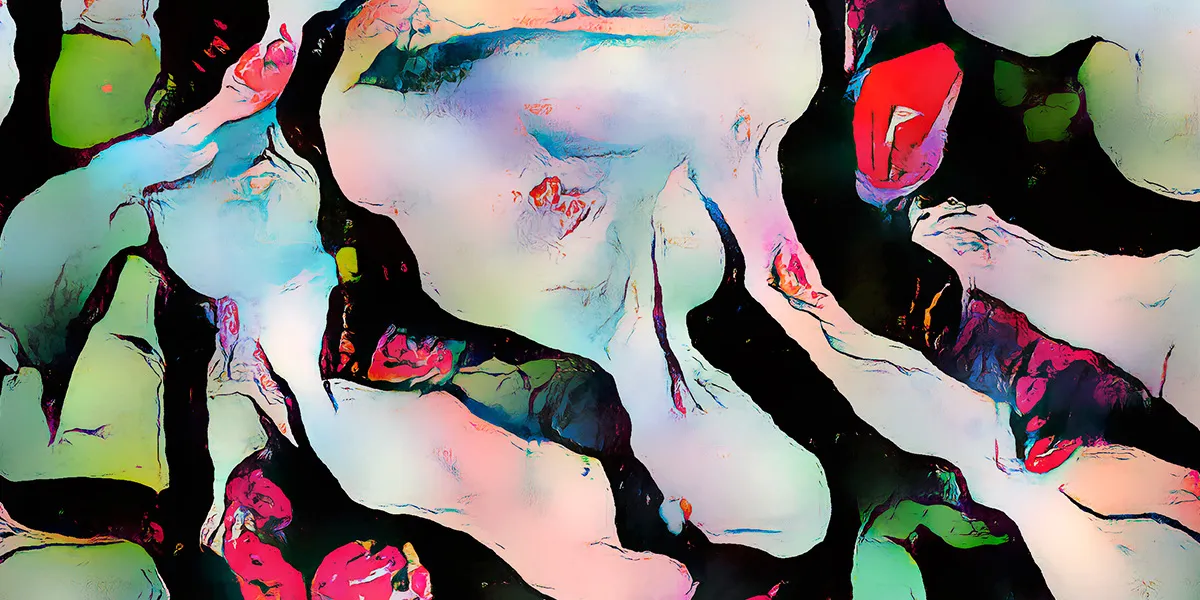
With a bit of work, a fair amount of trial and error, and a lot of waiting for models to train, I have ended up with a workflow that can generate things like this…
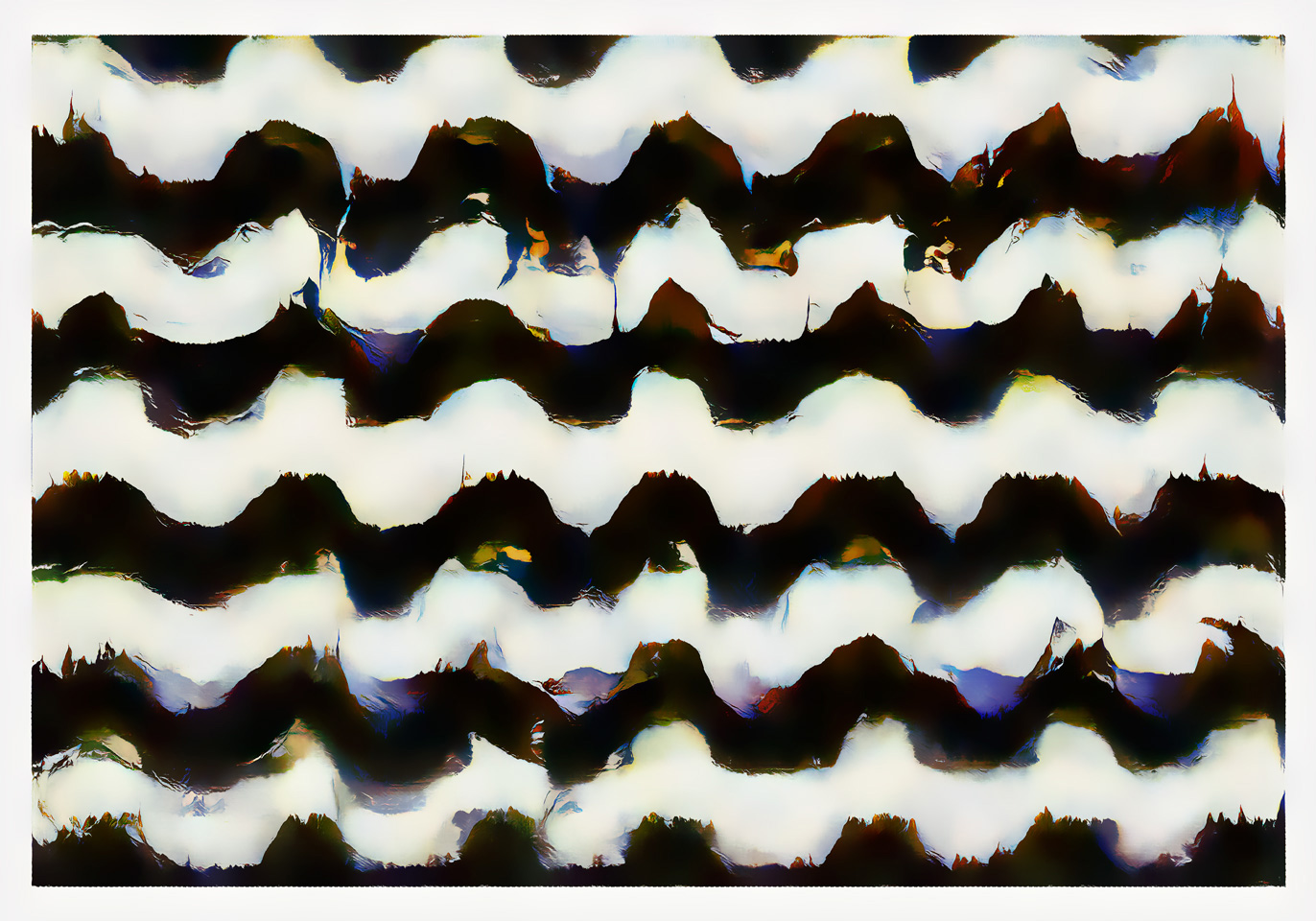
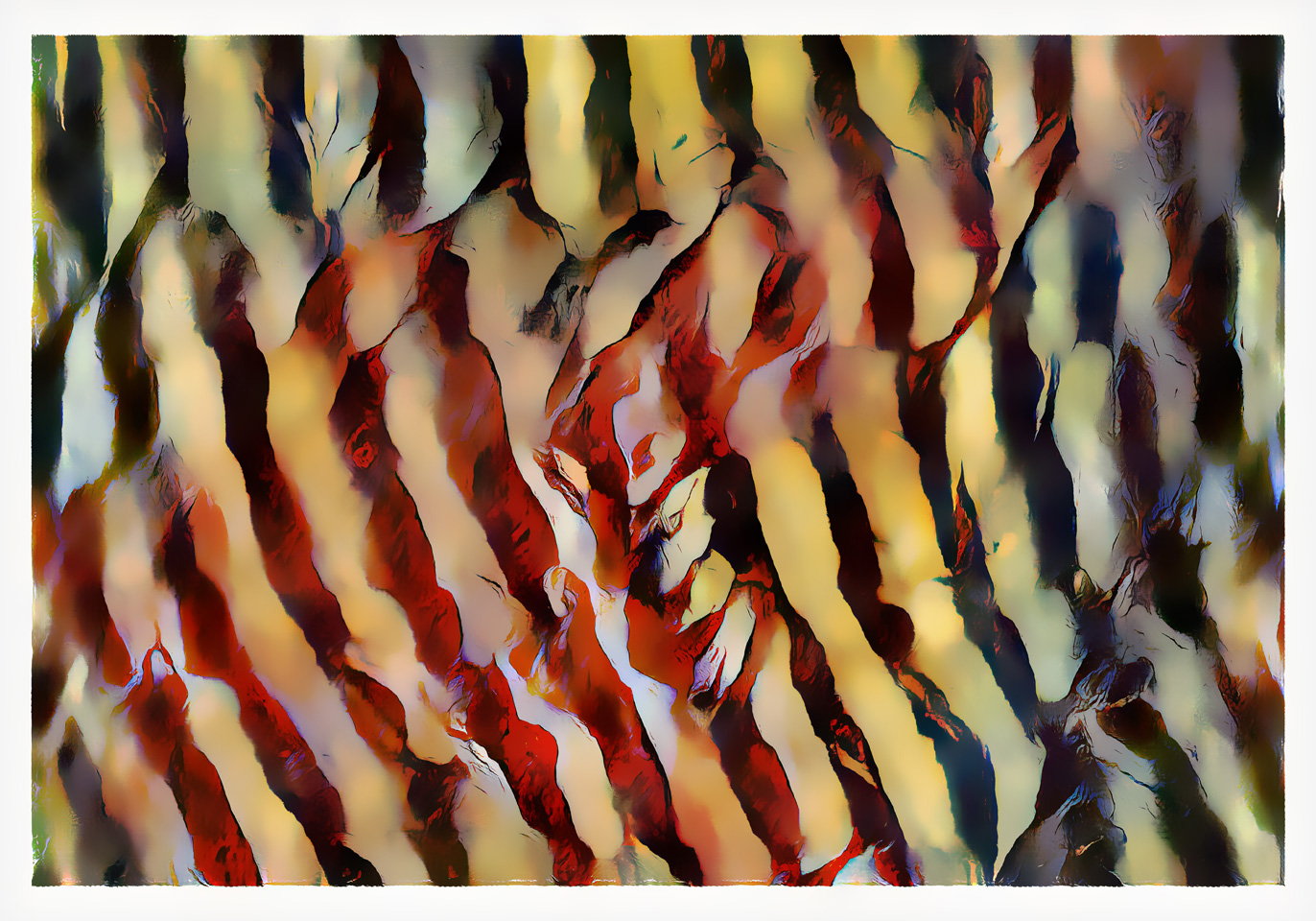
Though they require some manual post-processing to tidy them up, I’m happy with what I can now create using pix2pix, so am documenting some of the ideas behind the process here.
what2what?
I could attempt to describe what pix2pix is and what it does… but I’m more coder/tinkerer than machine learning expert. Instead, if you’re curious, this episode (opens in a new tab) of Two Minute Papers gives a good overview.
In essence, pix2pix can be trained with any set of (carefully prepared) A-to-B image pairs, will learn a relationship between the two, and should then be able to transform inputs similar to A-images into outputs that resemble B-images.
It’s flexible enough to have success at changing day to night, or indeed, edges to cats, but is limited in the size of the images it works with; the implementations I’ve seen mostly run at 256x256 pixels. Other than the time taken to train the network, there’s a reason that the examples are using that size - it’s a fairly memory hungry process.
I don’t have a particularly amazing GPU setup, so also have to work at 256x256, but want to be able to create more detailed images… Perhaps if trained with pairs of pixelated and normal images, pix2pix could be put to work as an upscaler?
It seemed worth a try, and after a few days of training, I had an answer.
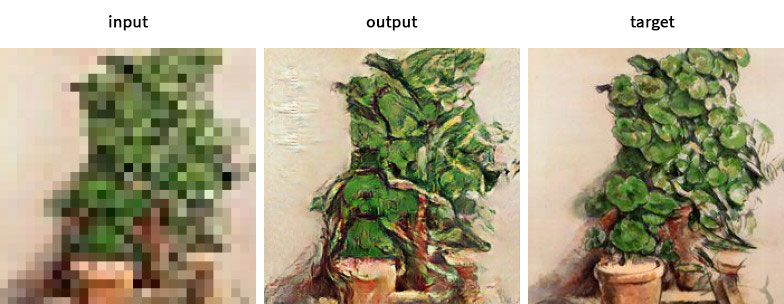
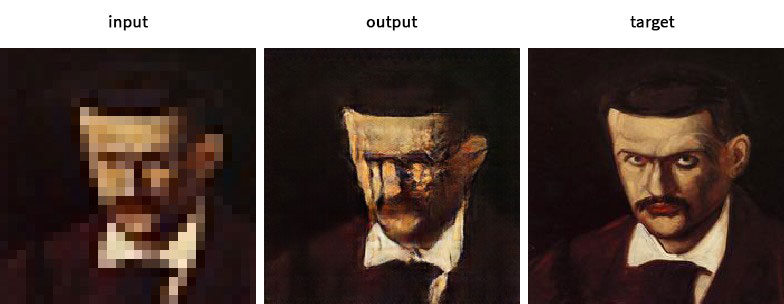
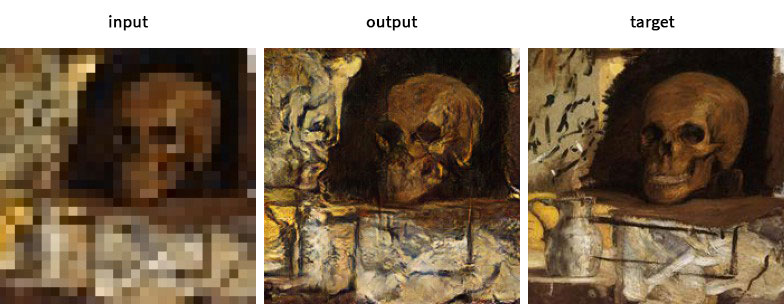
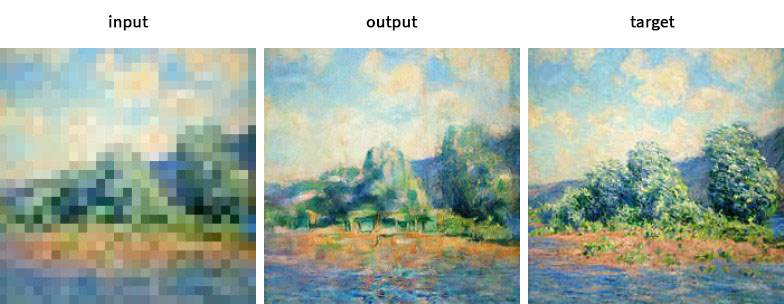
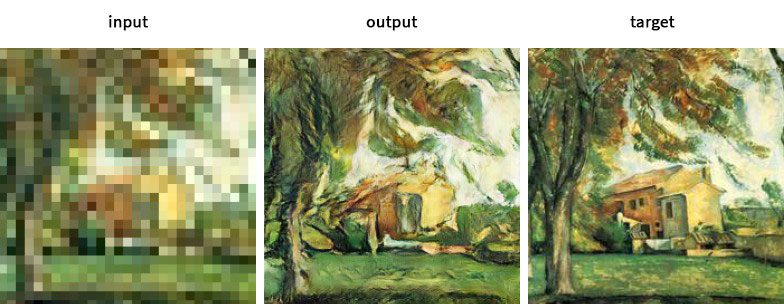
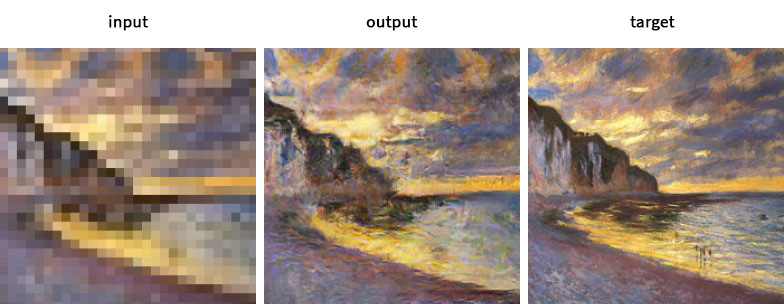
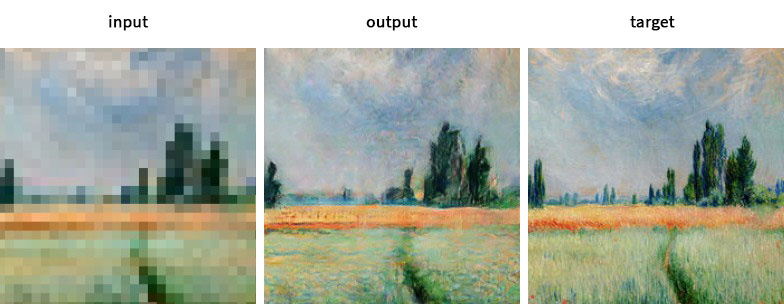
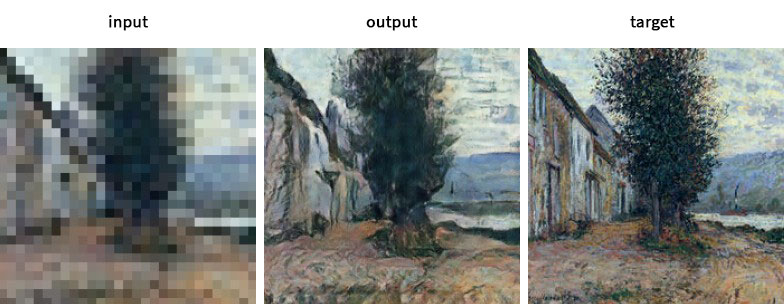
I wanted to encourage the network to reimagine lost detail, so decided to give it a challenge by training an 8x upscale, using pairs at 32x32 and 256x256 like the examples above. It worked surprisingly well; I could feed the trained network with a variety of images at 32x32 and, in most cases, get something interesting out the other end.
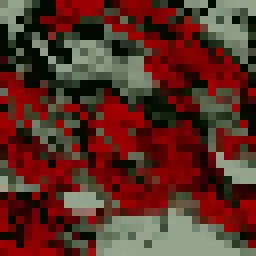
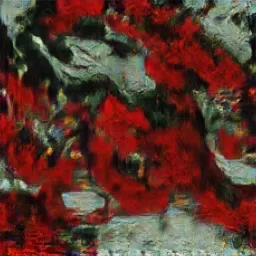
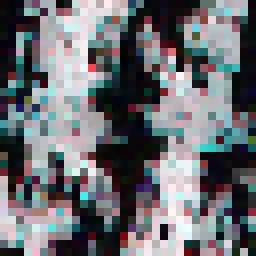
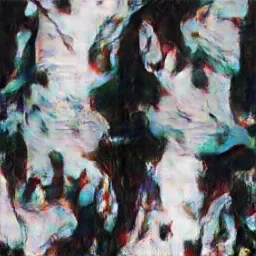
With that working, and a bit more code on top, I could generate larger outputs by iteratively rendering a grid of overlapping 256x256 cells. The slides below show the first few stages of the process for two different inputs.
.ZY6MBk4V.jpg)
.CLWkqRff.jpg)
._iMHFbJg.jpg)
.D1oC_yqO.jpg)
.2KMvfKHj.jpg)
.Bkk0rApK.jpg)
.DvCbFhm9.jpg)
.Csg7a1DV.jpg)
.Bpc0Hopm.jpg)
.CdNlz_qH.jpg)
The final versions of these examples, along with the rest of the Abstracts collection, can be found in the project gallery.
Using pix2pix in this way is something I’ll likely continue experimenting with, but it’s slow going. The time between making a change to getting a result from a trained network does limit the amount of experimentation I do with the core code, so I have tended to focus on trying different types of image pairs to see what works, what doesn’t, and what ends up making the weird, otherworldly scenes I seem drawn to.
Wedding Present
Not long after working on the abstracts I thought I could use a similar process to generate some interesting, and hopefully not too horrific, portraits as presents for my brother’s upcoming wedding.
Using images of their faces from social media I only had a couple of hundred sources to work with and wasn’t sure there would be enough variation to train decent models. On the upside, training would only take a couple of days to complete.
I used three models in the end; one designed to help generate new mixes of their faces and a further two to upscale, or ‘up-imagine’, those outputs. I’m sparing you from the cavalcade of ever-so-nightmarishly malformed faces that were generated along the way. Suffice to say, there was a lot of manual picking and re-generating to whittle a few thousand down to the four I ended up selecting.
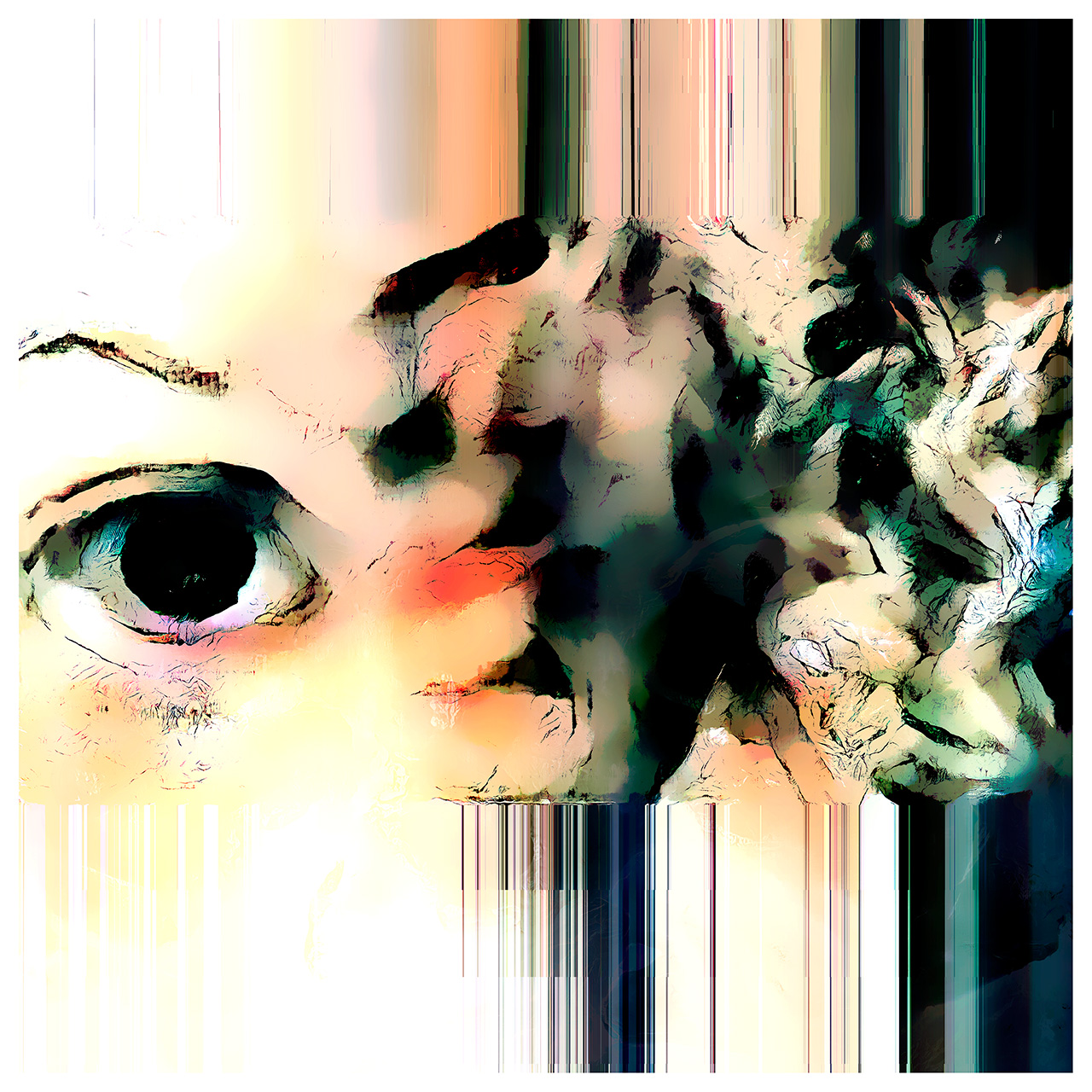
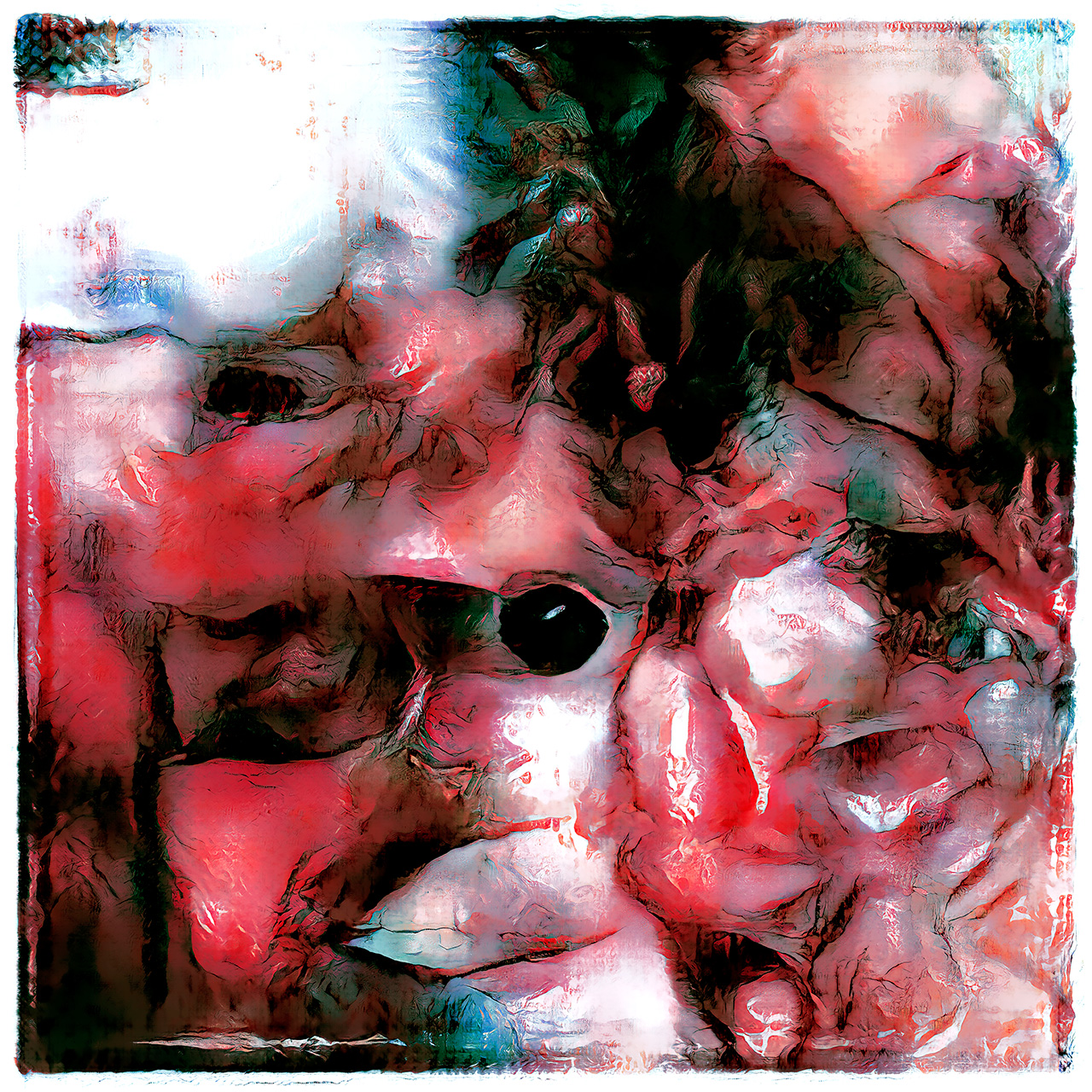
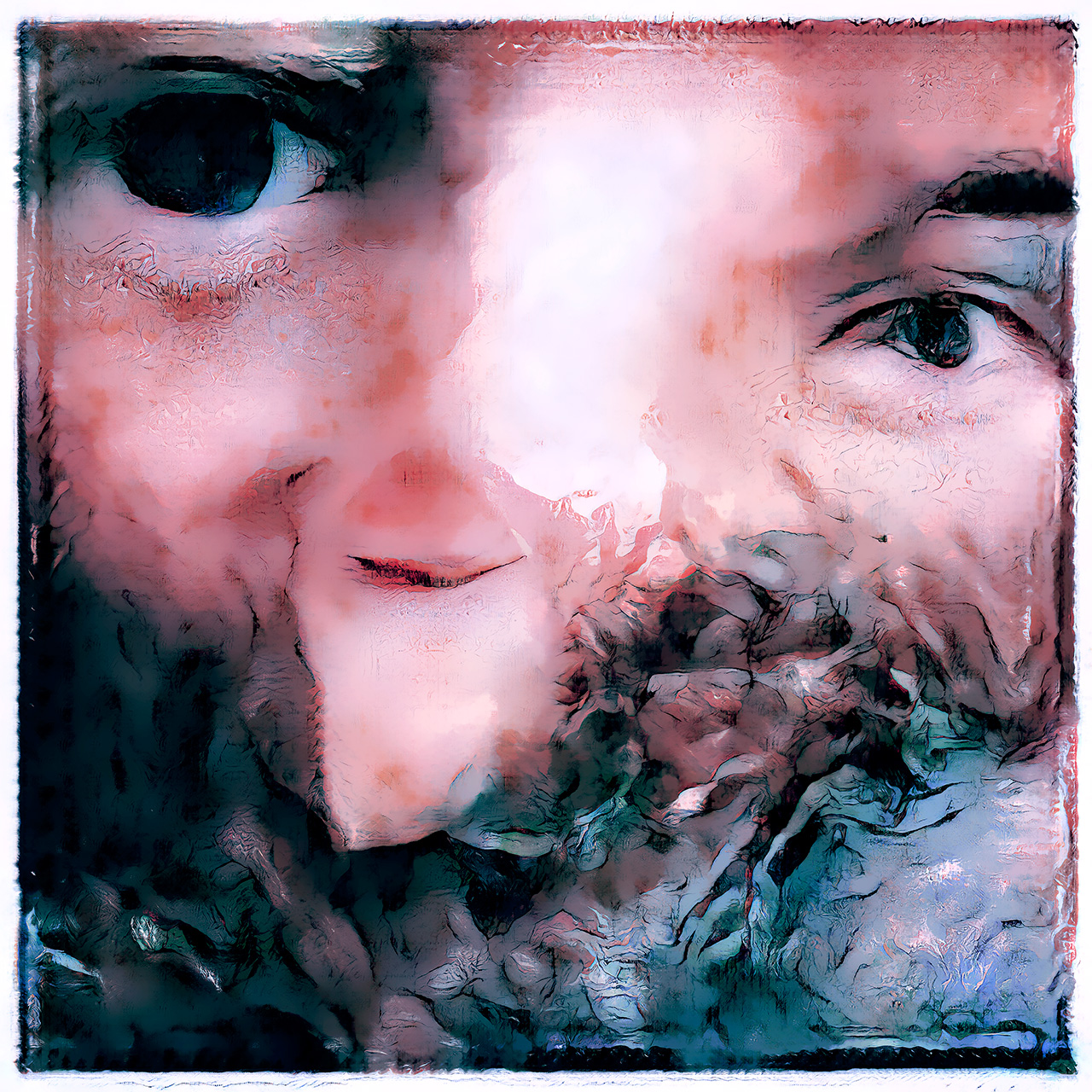
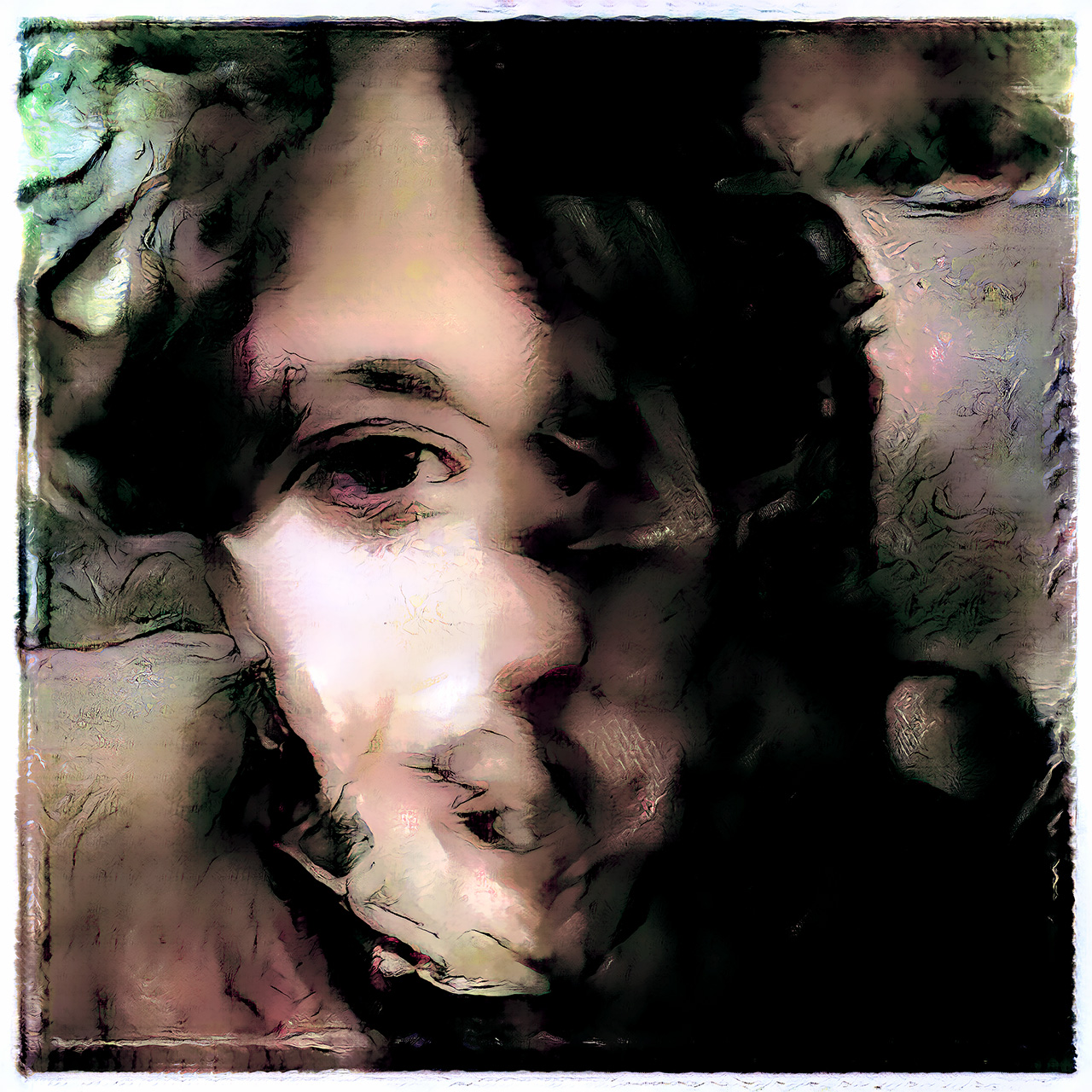
After a little editing they were ready to be printed (opens in a new tab) and framed before handing over to the happy couple at the wedding.